Every programming job expects Git. Every team project runs smoother with it. And most students learn it the night before they need it. Here is the calmer path: the mental model plus the ten commands that cover 90% of real use.
What Git actually solves
Without version control, "final_v2_ACTUAL_final.zip" is a lifestyle. Git tracks every change to your code as a series of snapshots you can revisit, compare, and undo. It also lets multiple people work on the same project without overwriting each other.
The mental model
Three places: your working directory (files you edit), the staging area (changes you have marked for the next snapshot), and the repository (the snapshots themselves). The basic loop is: edit, stage, commit, repeat.
The essential commands
git init          # start tracking a folder
git clone <url>   # copy a repository from GitHub
git status        # what changed?
git add .         # stage your changes
git commit -m "describe what you did"
git push          # send commits to GitHub
git pull          # get your teammates' changes
git branch        # list branches
git checkout -b feature-name   # start a new branch
git log --oneline # see your history
Learn these ten and you can function on any team.
The GitHub workflow
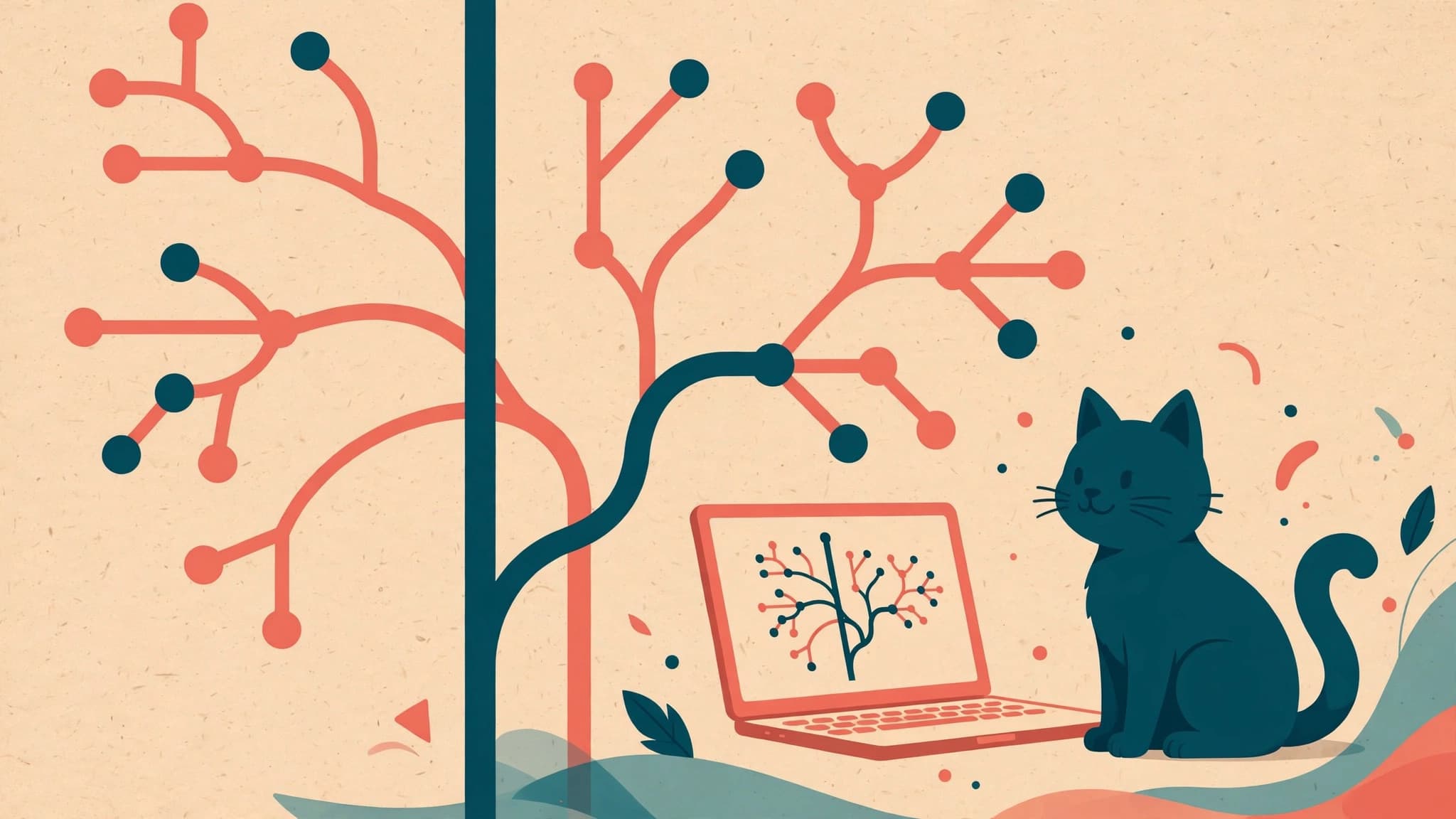
On GitHub, the standard flow is: create a branch for your work, push it, open a pull request, get it reviewed, merge. Pull requests are where code gets discussed and improved — they are as much a communication tool as a technical one.
Common beginner mistakes
- Committing huge files or passwords (use .gitignore from day one).
- Working directly on the main branch in a team.
- Vague commit messages like "fix stuff" — future you will suffer.
- Never pulling before pushing, then panicking at the conflict.
Your practice plan
This week: create a GitHub account, make one repository, and commit something small every day for two weeks. Daily tiny commits build the habit that tutorials cannot. Git stops feeling scary around commit number twenty.